
We are North Carolina’s largest Corvette Club. We have been cruising the Carolinas for over 58 years, enjoying and participating in the following activities and events.
LIFETIME MEMBER of the NATIONAL CORVETTE MUSEUM

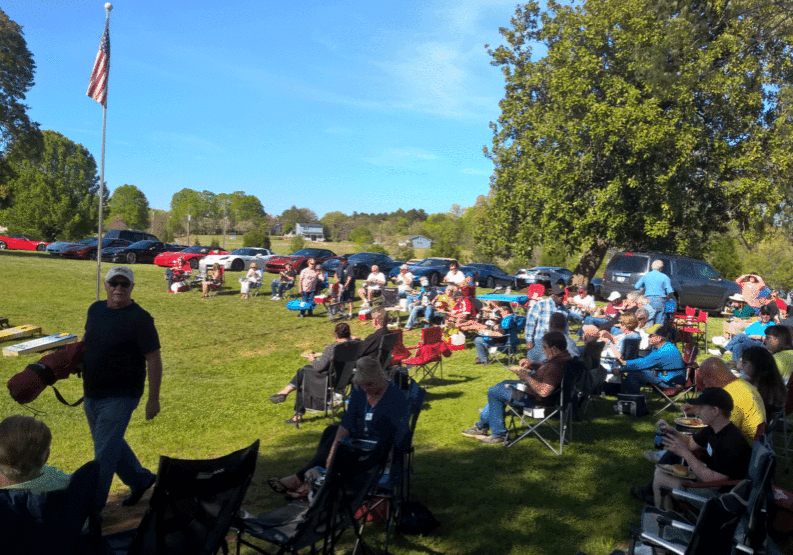
SOCIAL EVENTS
QCCC members organize and participate in many social events including luncheons, dinners, day trips, overnight trips, and monthly club meetings.
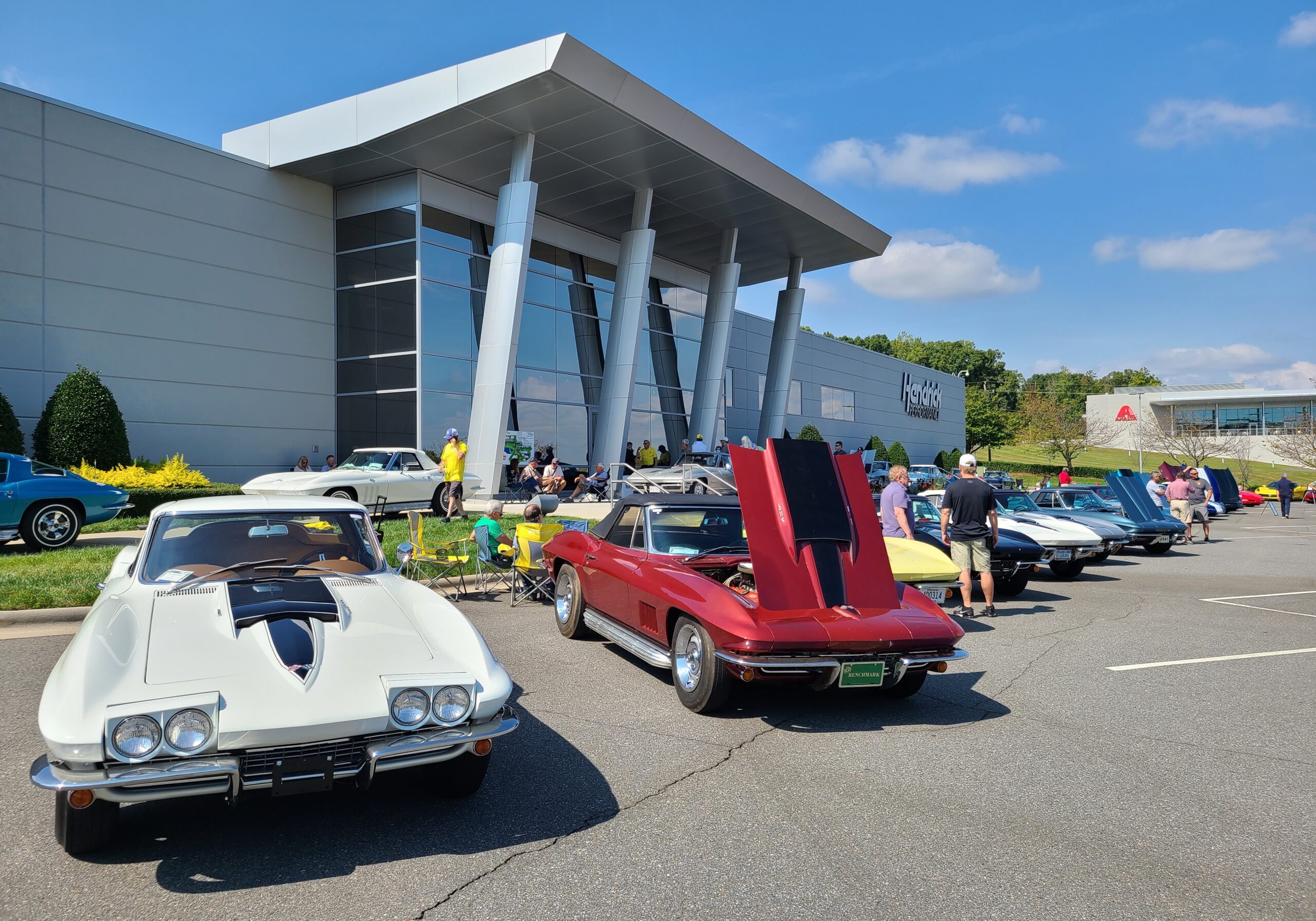
CHARITY EVENTS
QCCC organizes and participates in several charity fund raising events during the year. These activities include our club’s QCCC Annual Corvette Show at Hendrick Motorsports, National Corvette Museum support, 50/50 raffles, Corvette Angels Toy Drive, Wings of Eagles, Feed NC, and many more projects. The funds raised are presented to area charities during the year.
CORVETTE RACING
QCCC attends several IMSA sports car races each year as a group, including the ROLEX 24 Daytona, Virginia International Raceway, and Road Atlanta. Look for us in the Corvette Corral.
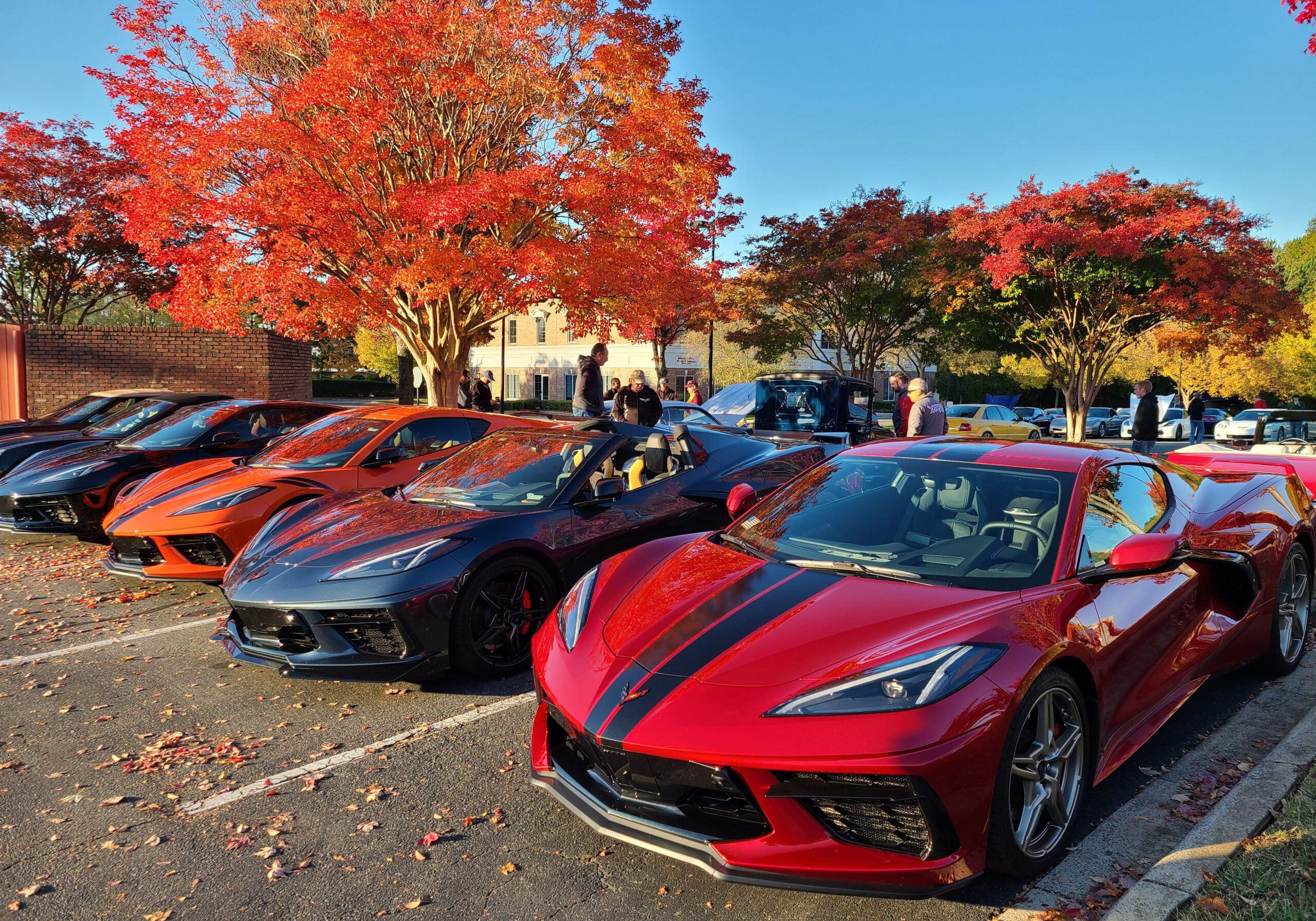
CARS & COFFEE
QCCC members enjoy the camaraderie with other car enthusiasts. The casual atmosphere allows people to realize the value of Corvette and the bonding with our great club members. These events run throughout the year.
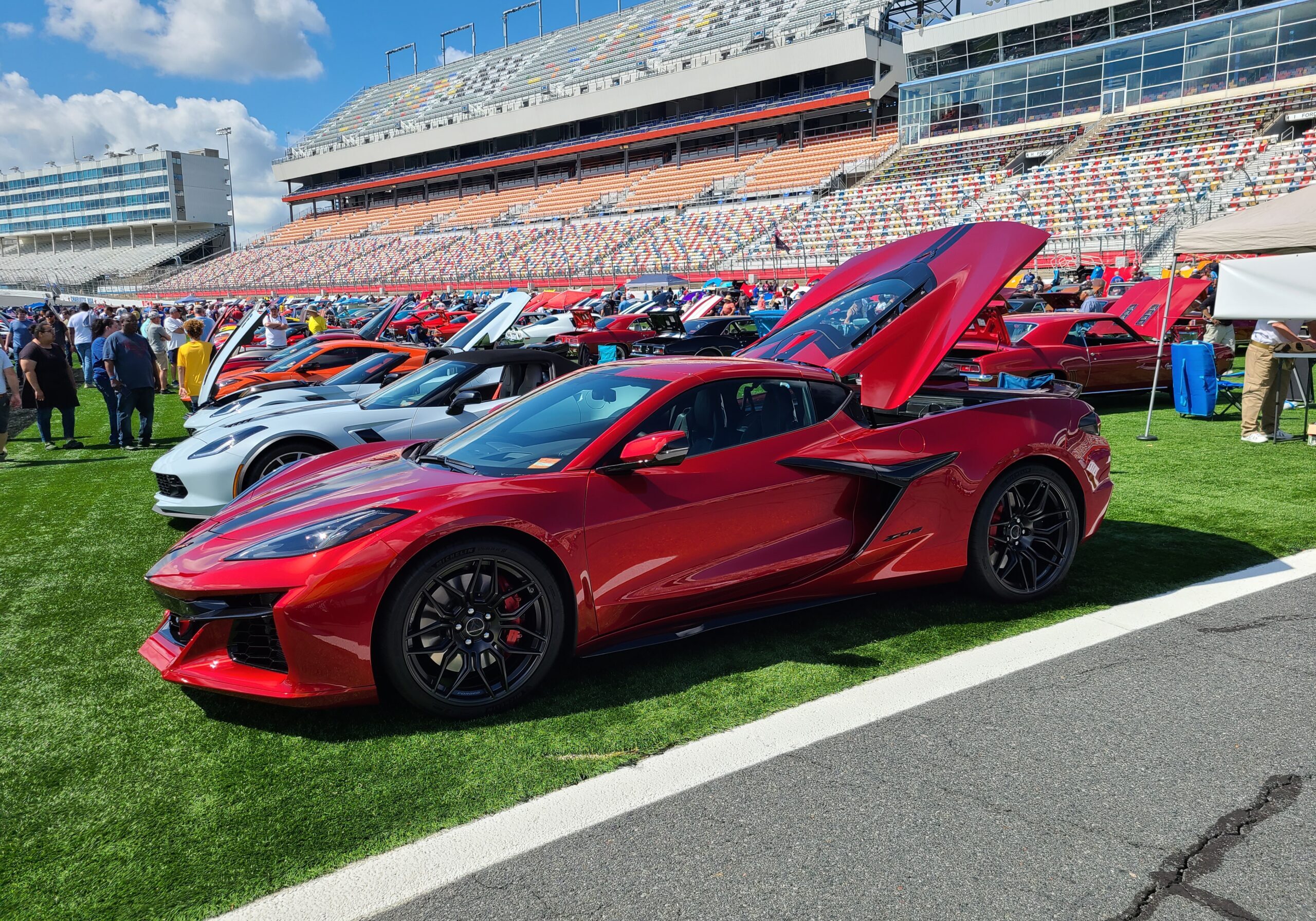
CAR SHOWS
In addition to our QCCC Annual Car Show, QCCC participates in area Car Shows through the year including the Charlotte Motor Speedway Spring AutoFair, Dale Earnhardt Chevrolet, and Ray Evernham Americarna.
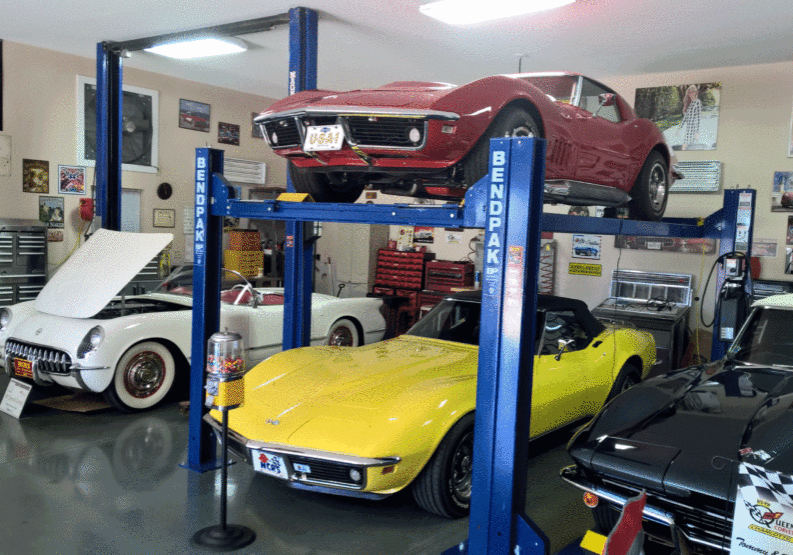
CAR CARE DAYS
QCCC members hold Car Care Day events at members garages/shops. These events include minor repairs, oil & filter changes, detailing, and more.